Where can I see who bought my product?
Every order is on Sales, with what sold and what you were paid.
-
Open Sales
Sales is in the menu down the side, and every payment anybody makes for one of your downloads shows up there. If you have not connected a payment account yet, it says so and points you at Settings, Payments.
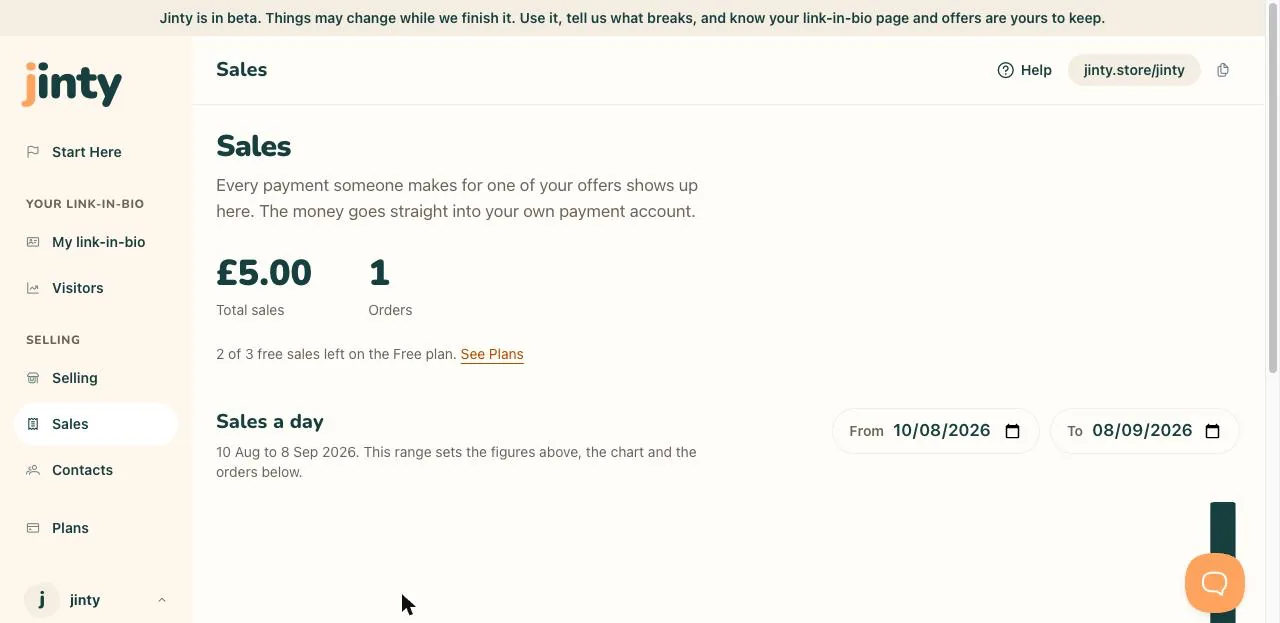
Sales, with the figures, the chart and the orders. -
Read the totals
At the top you get what you have been paid and how many orders it took. If you sell in more than one currency you get a row for each, because nothing is converted into a total nobody was actually paid.
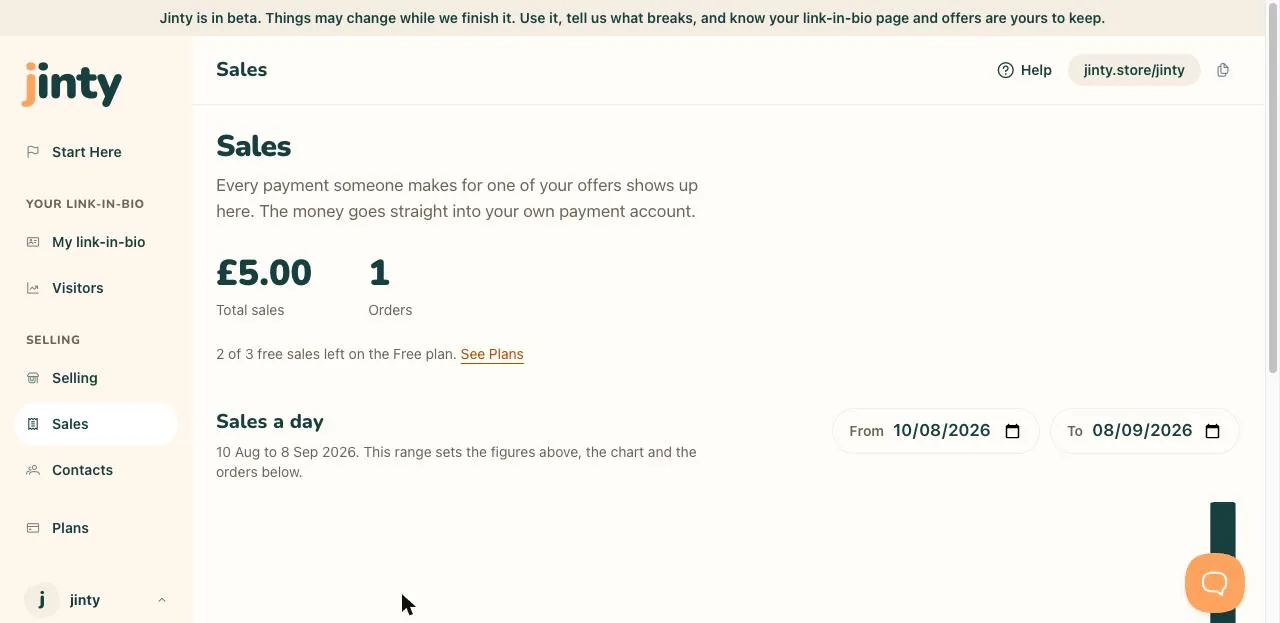
The totals, showing one currency. -
Pick your dates
From and To set the window, and it decides the totals, the chart and the list of orders underneath. The chart shows sales a day, so you can see which day did the work.
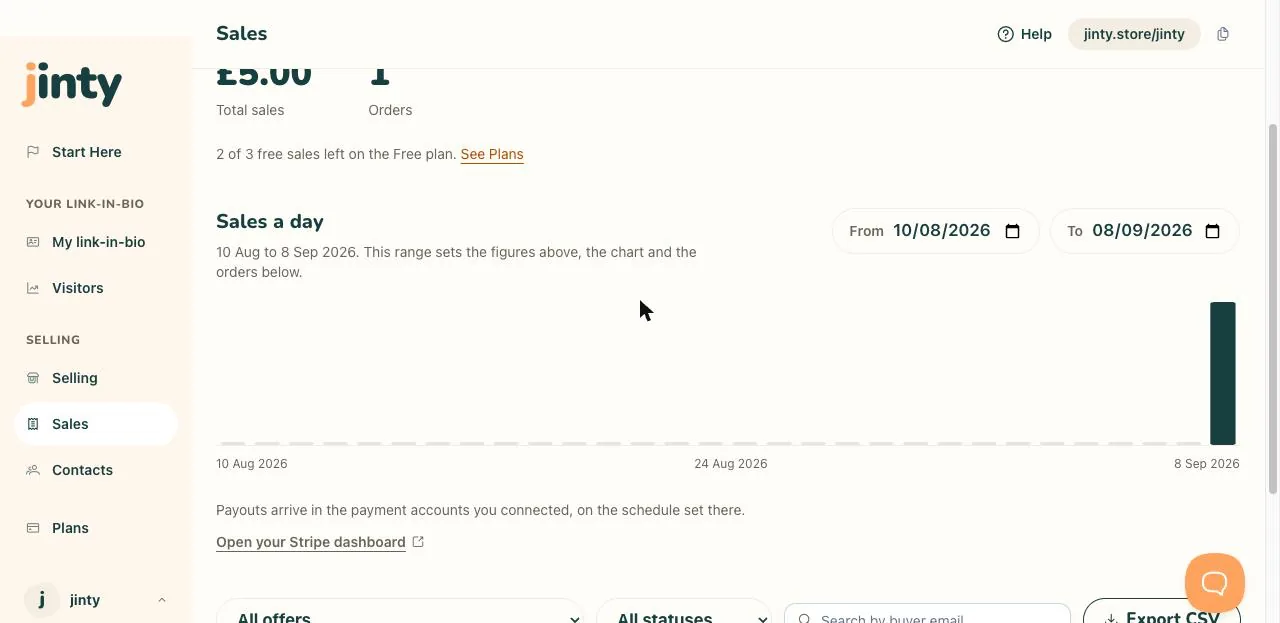
The date boxes and the sales a day chart. -
Find one order
You can narrow the list to one download, to paid, refunded or failed orders, or search by the buyer's email address. Each row shows the date, the buyer's name, part of their email address, what they bought, the amount and the status.
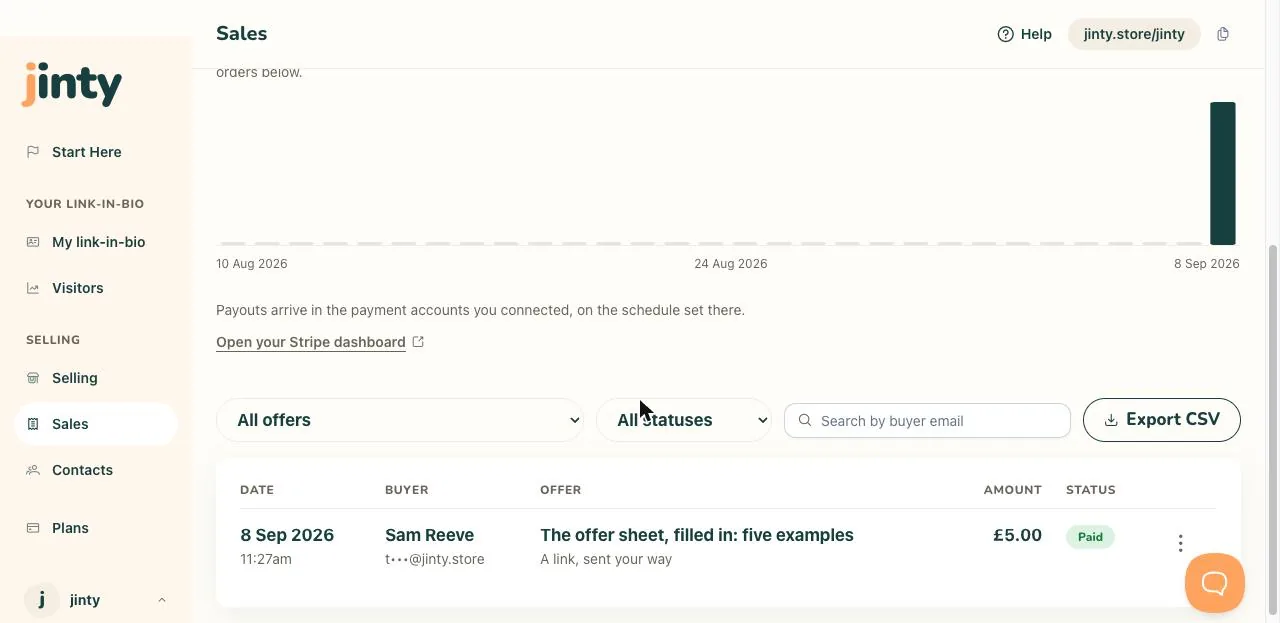
The orders table, with the filters above it. -
Resend or refund
Each row has a three-dot menu. Resend sends that buyer their download again, which is the answer to "it never arrived". Refund gives them their money back and stops their download link working, so it asks you first.
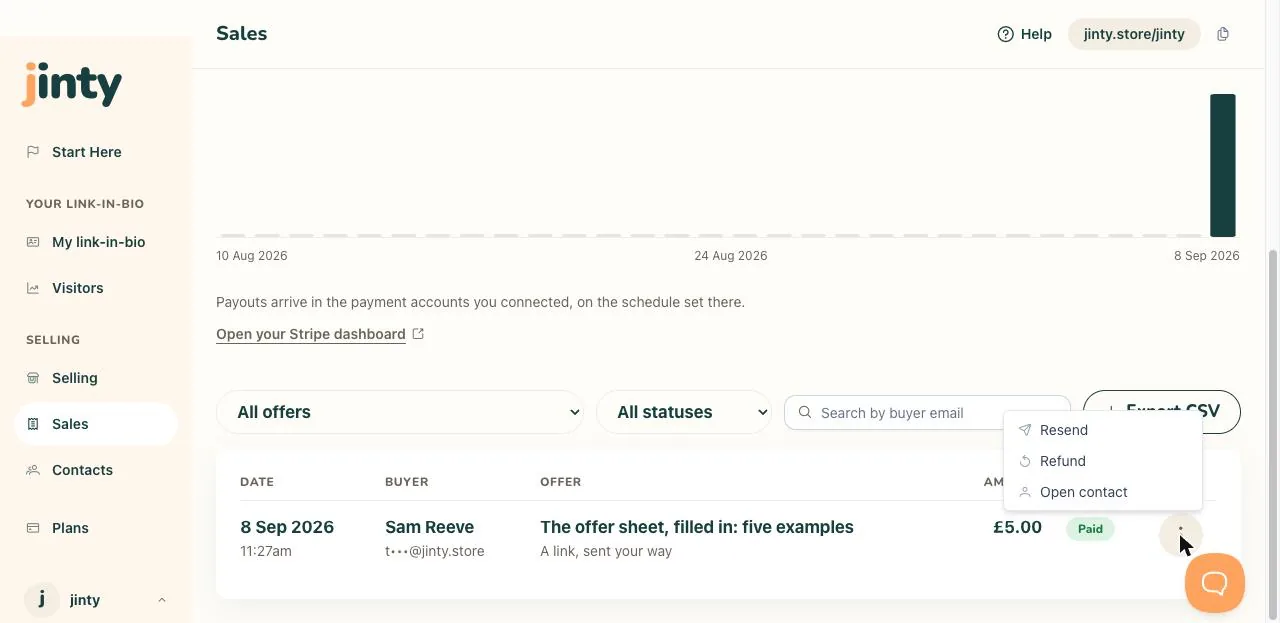
The row menu open, showing Resend and Refund. -
Take the whole list away
Export CSV downloads whatever you are looking at, filters and all, as a spreadsheet file. It is yours to keep, and it opens in anything.
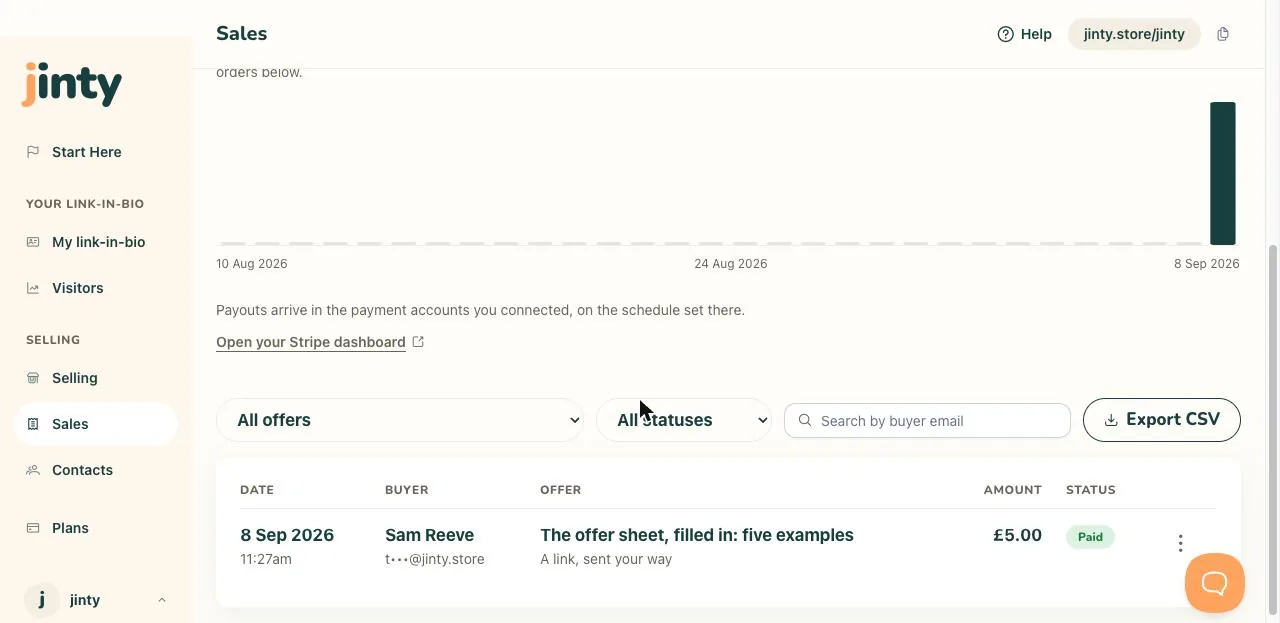
The Export CSV button beside the filters.
Related
Last updated 8 September 2026.
Anything this did not answer? Write to hello@jinty.store and a person will read it.
We only use cookies to keep you logged in and remember your preferences. Our audience stats set no cookie of their own. See our privacy policy.