How do I export my contacts, and who owns my email list?
The list is yours. Download it as a CSV file whenever you like.
-
Open Contacts
Contacts holds everyone who has given you their email address, with a running total at the top. They arrive in two ways: the sign-up box on your link-in-bio page, or claiming one of your free downloads.
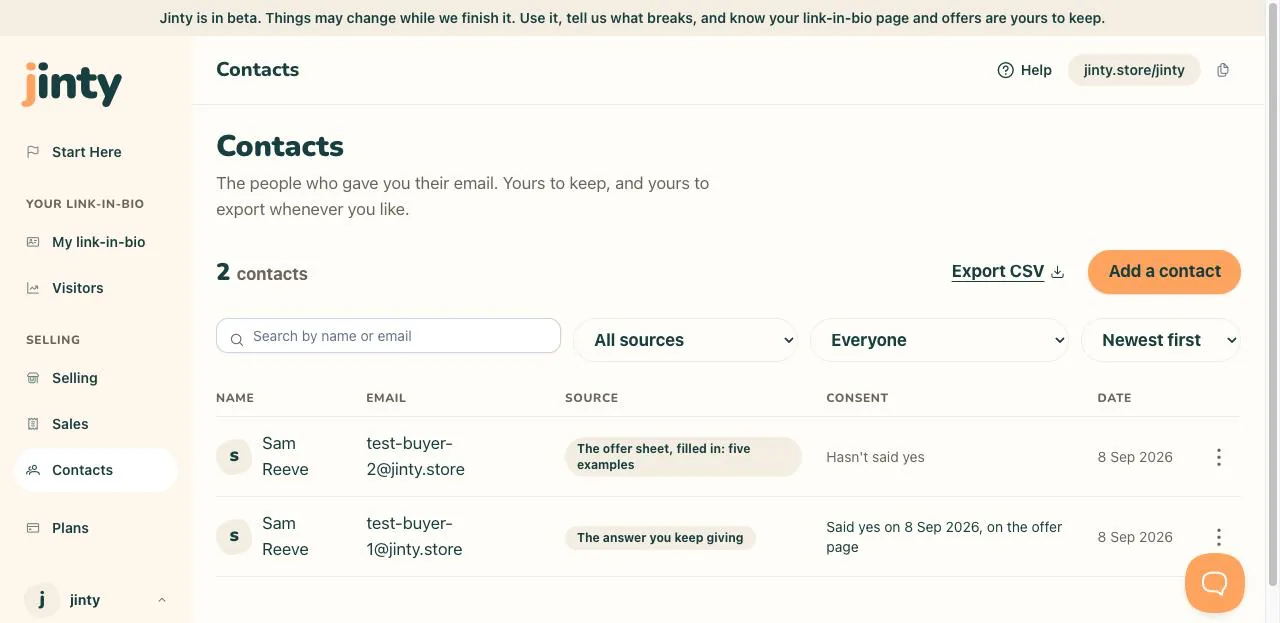
Contacts, with the total and several rows. -
Narrow the list, if you want to
You can search by name or email, filter by where somebody came from, filter by whether they said yes to news and tips, and sort by newest, name or email. Whatever you are looking at is what gets exported.
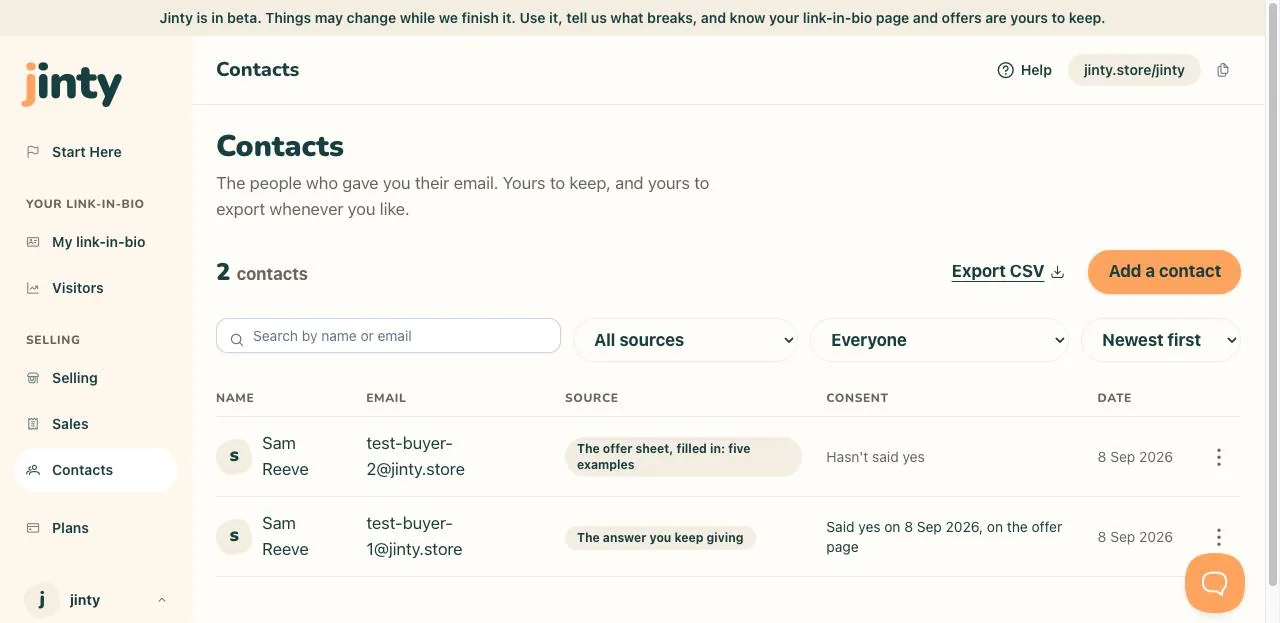
The search box and the three filters. -
Press Export CSV
The file downloads there and then, named with today's date. There is no waiting, no request and no limit on how often you do it.
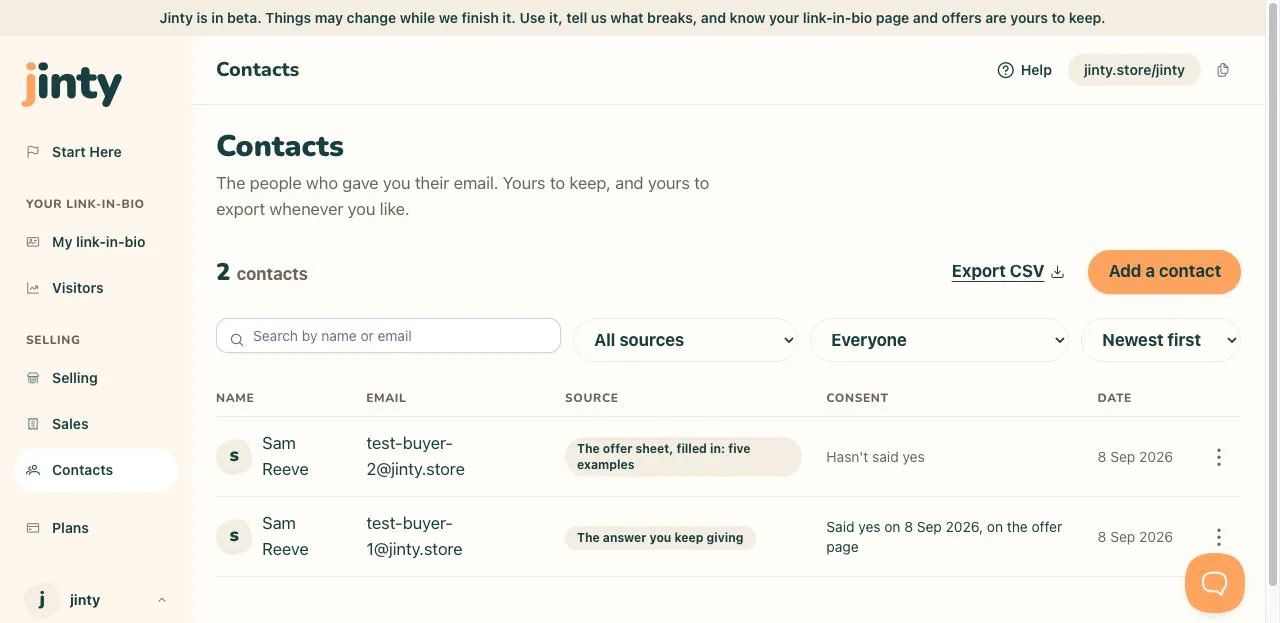
The Export CSV control at the top of Contacts. -
What is in the file
Seven columns: name, email, source, consent, consent recorded at, consent withdrawn at, and added at. It opens in any spreadsheet, so you can read it, sort it or keep it as your own record.
-
What consent means here
Saying yes to news and tips is a record with a date and a source, not a switch. That is why you cannot tick it for somebody: the row states what actually happened, and a withdrawal is recorded too. Adding a contact by hand is the one place you record their agreement yourself, and the date you did it is kept.
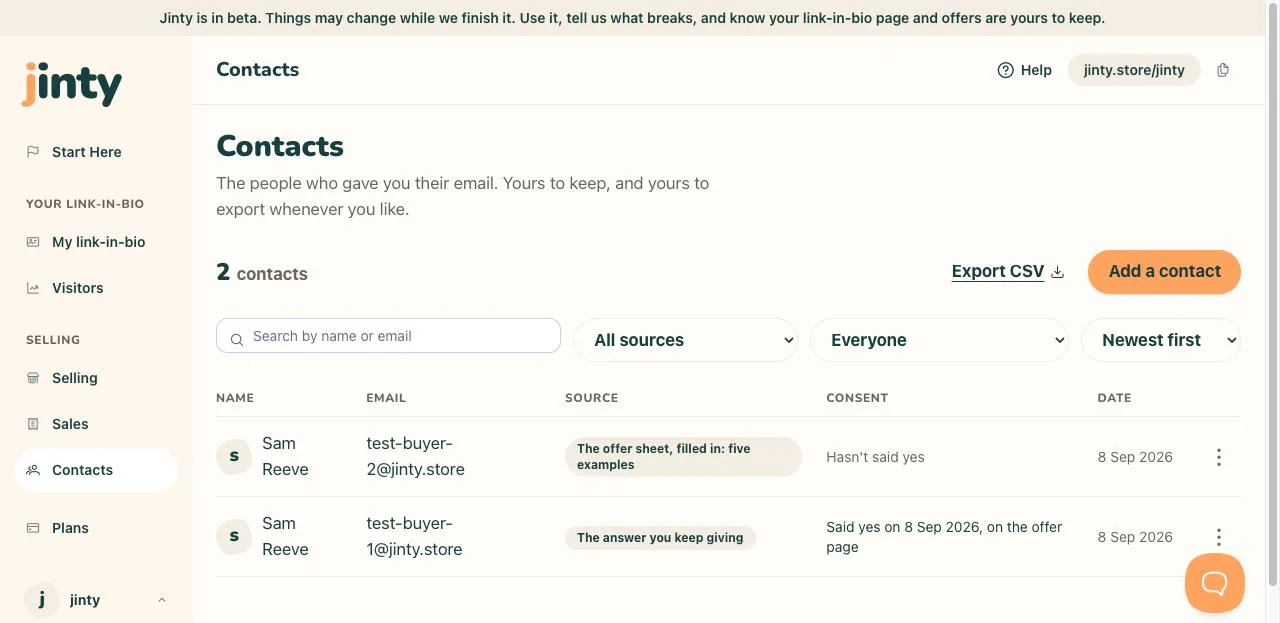
A contact row showing its consent line. -
Who owns the list
You do. It is not locked to us, there is no cap on how many contacts you keep, and you can take the whole thing away today. If you delete a contact, their consent record goes with them.
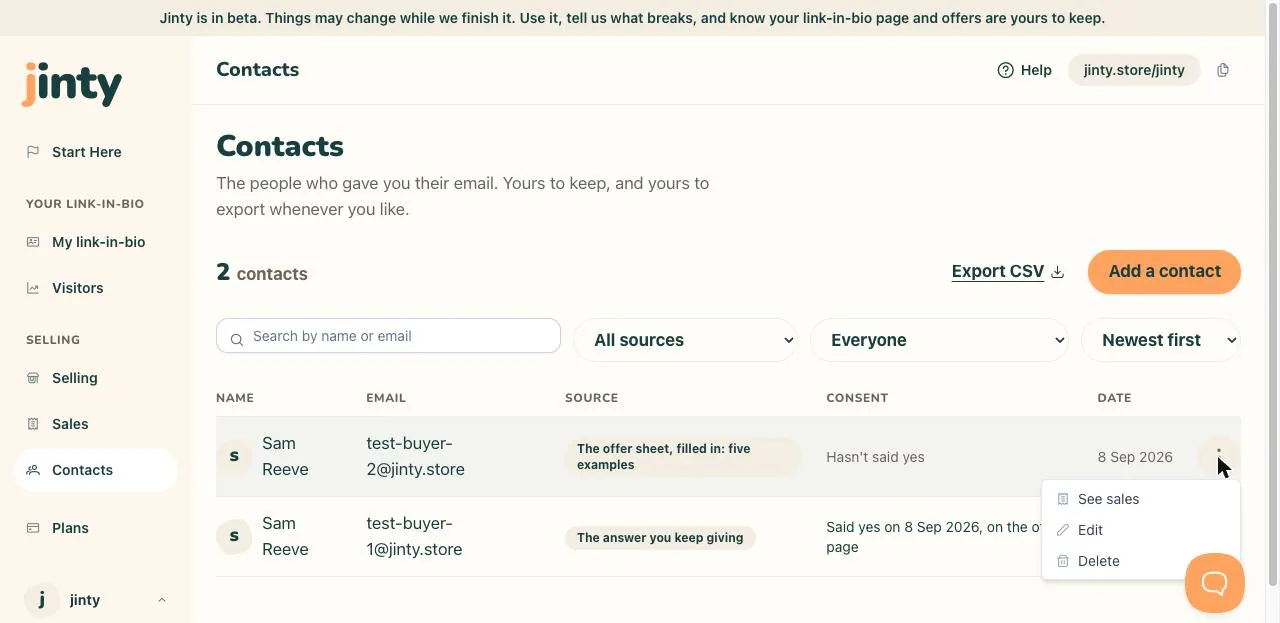
The row menu, showing the option to remove a contact.
Related
Last updated 8 September 2026.
Anything this did not answer? Write to hello@jinty.store and a person will read it.
We only use cookies to keep you logged in and remember your preferences. Our audience stats set no cookie of their own. See our privacy policy.