How do I add a link to my link-in-bio page?
Pick what kind of link it is, give it a title, and publish it.
-
Press Add a link
The button sits under Your links on My link-in-bio. It opens a screen asking what you are adding. Nothing is committed yet, and you can change anything afterwards.
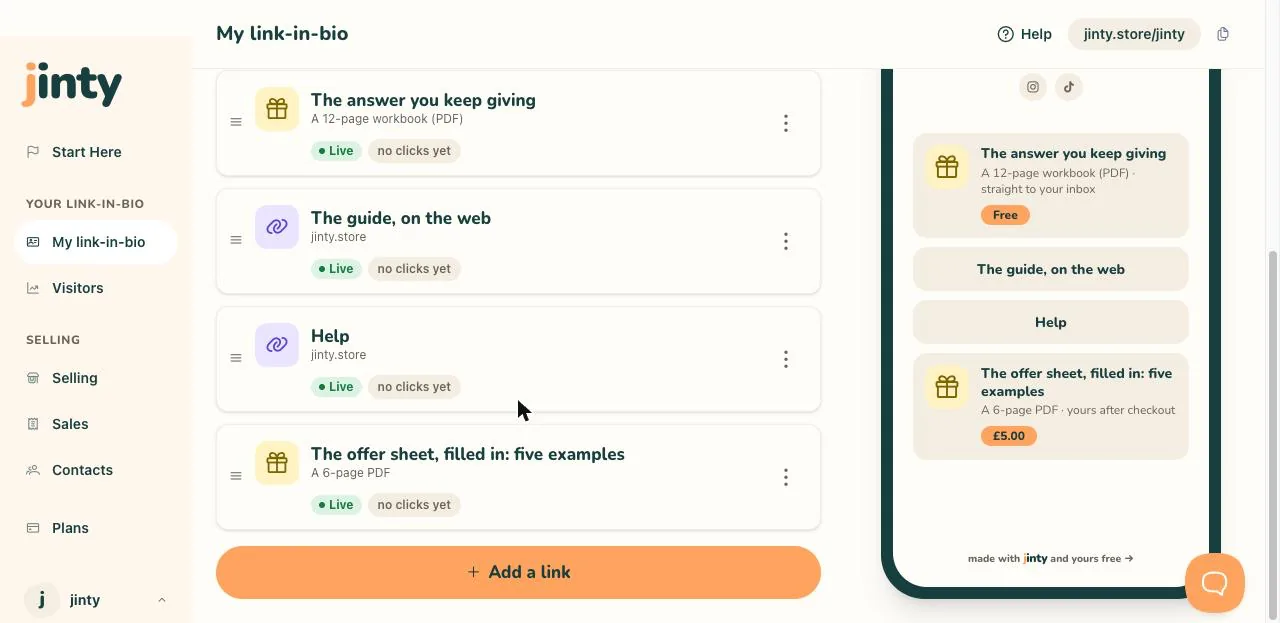
My link-in-bio, with the Add a link button at the foot of the list. -
Pick what you are adding
There are four kinds: sell or give away a download, show a video, collect emails, and link to a website. Each card says what it does, so pick the one that describes the job rather than the technology. Picking the download opens its own editor, which the selling article walks through.
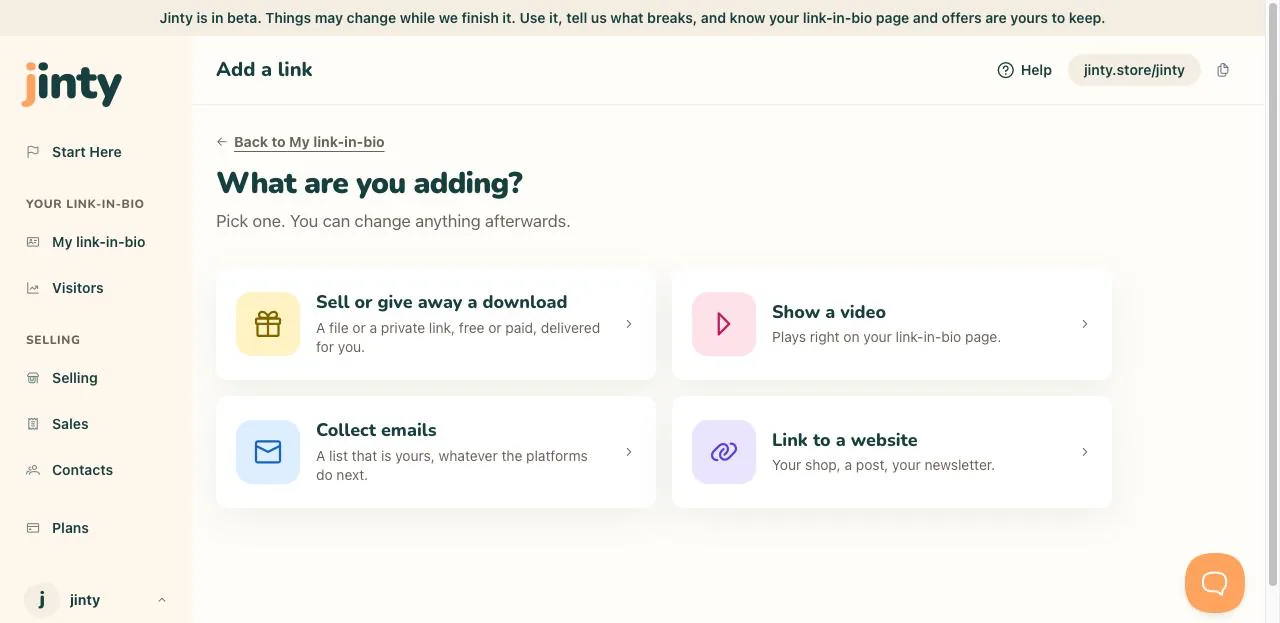
The What are you adding screen, with the four cards. -
Give it a title
The title is the words a visitor taps, so write what they get rather than what it is called. "Book a call" beats "Calendly". You have plenty of room, but short wins on a phone.
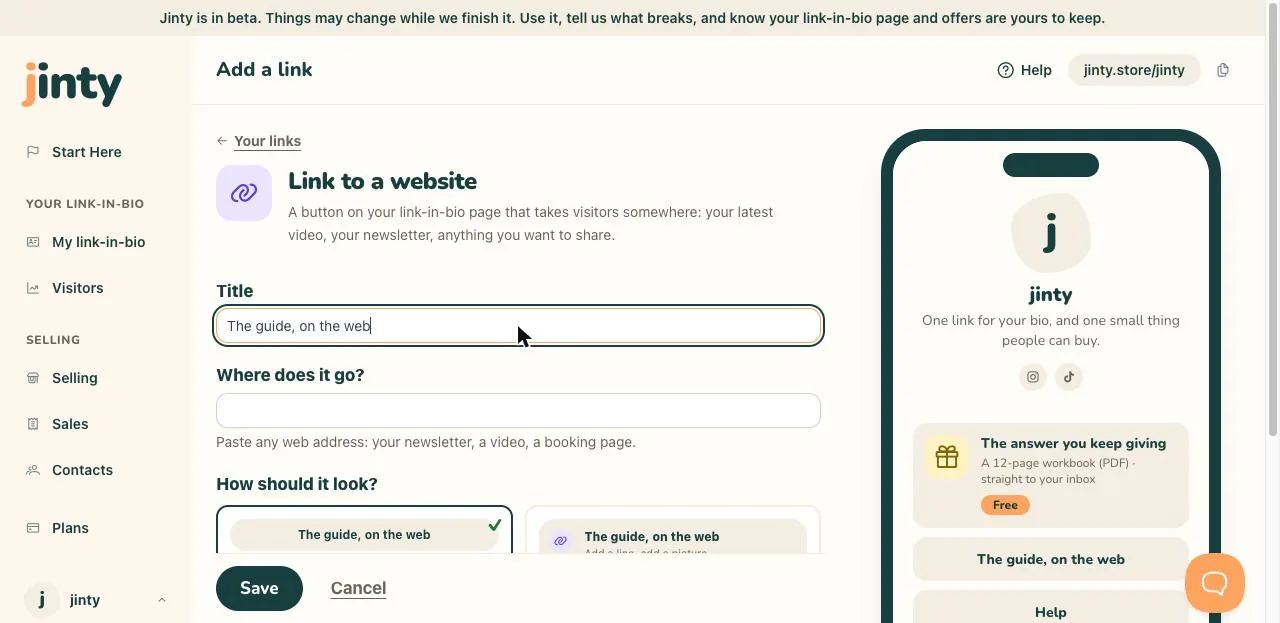
The link editor, with a title typed in. -
Paste the address
A website link asks where it goes, and takes any web address: your newsletter, a post, a booking screen. A video asks for the YouTube or TikTok address instead, and plays on your link-in-bio page rather than sending people away.
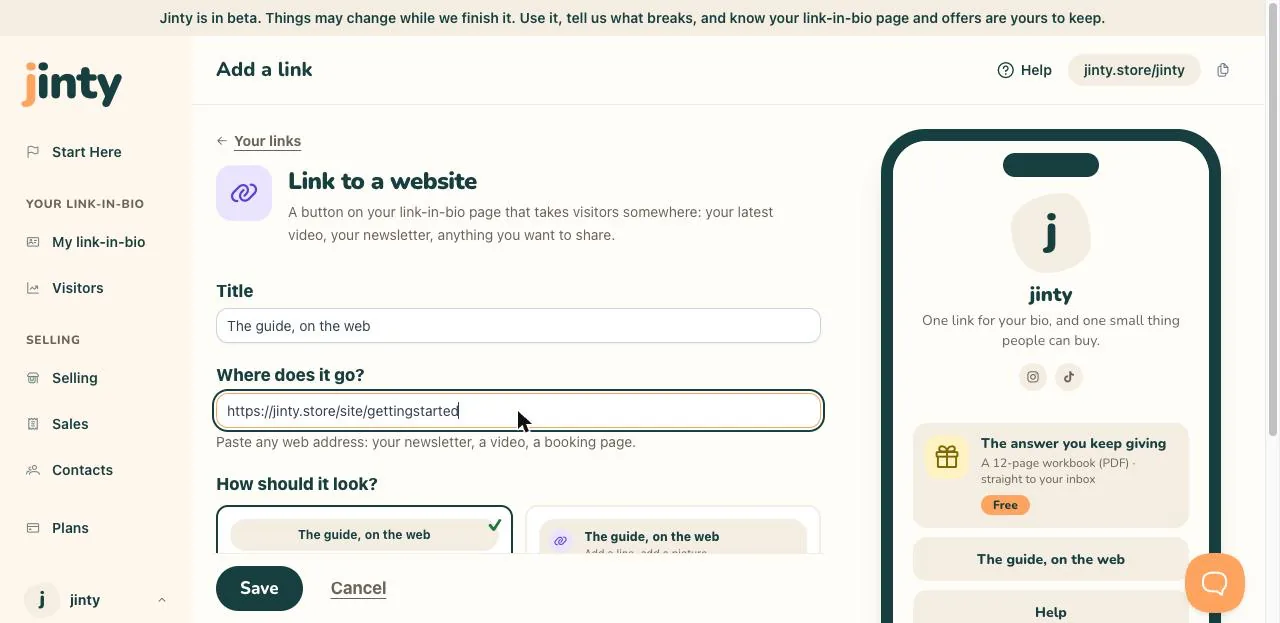
The link editor, with a web address pasted in. -
Choose how it looks
Some kinds give you a choice of shape, shown as two pictures rather than two words. Pick the one you prefer and watch the preview change. It is only a look, and you can swap it later.
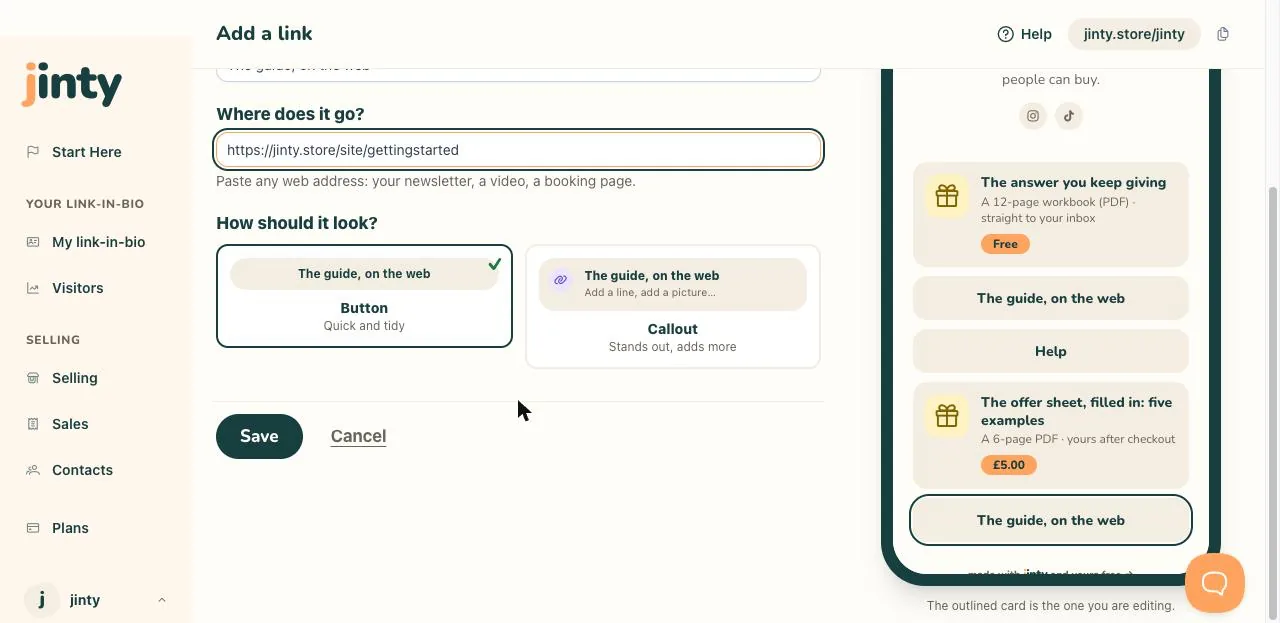
The two layout pictures, with one chosen. -
Save, then put it in order
Save adds it to Your links. New links are published on your link-in-bio page, and the switch at the top of the editor takes one back to a draft that only you can see. Drag a link to move it, or use its three-dot menu, and remember the top one gets the most taps.
Related
Last updated 8 September 2026.
Anything this did not answer? Write to hello@jinty.store and a person will read it.
We only use cookies to keep you logged in and remember your preferences. Our audience stats set no cookie of their own. See our privacy policy.