What emails will Jinty send me?
A short list, and one switch in Settings decides the only optional one.
-
Where the switch lives
Settings, then Notifications. There is one switch on that screen, and everything else we send is about your own account or your own selling.
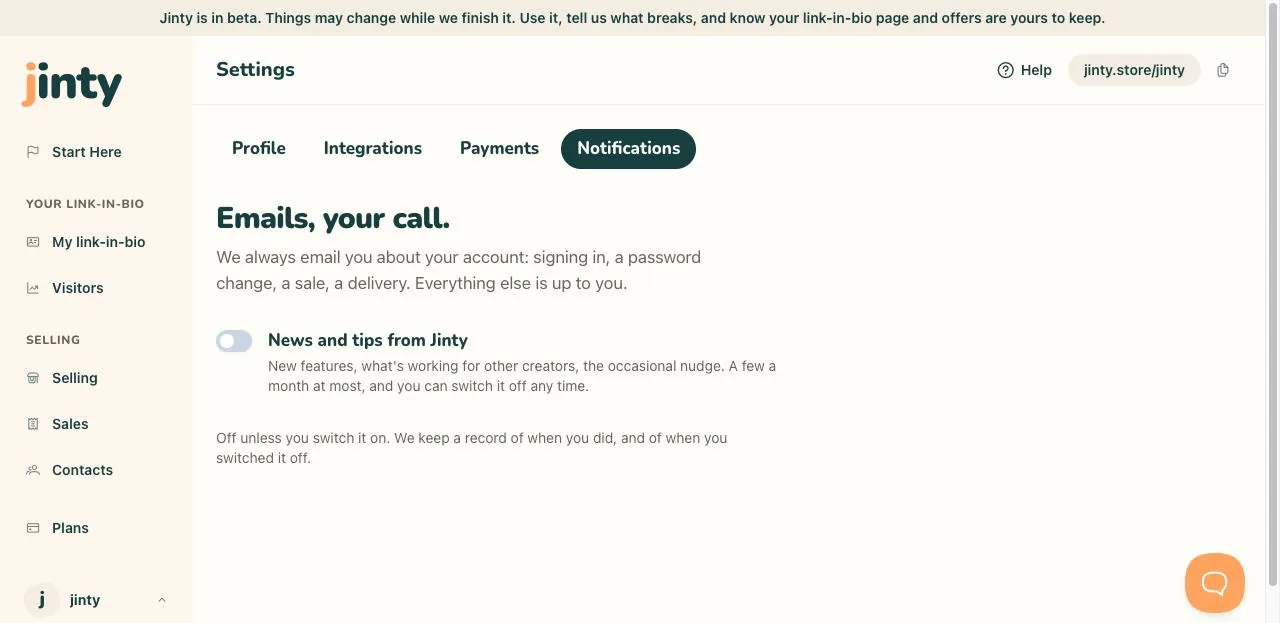
Settings, Notifications, with the one switch. -
The one you choose: news and tips
New features, what is working for other creators, the occasional nudge, a few a month at most. It is off unless you switch it on, and you can switch it off again whenever you like. We keep a record of when you did each.
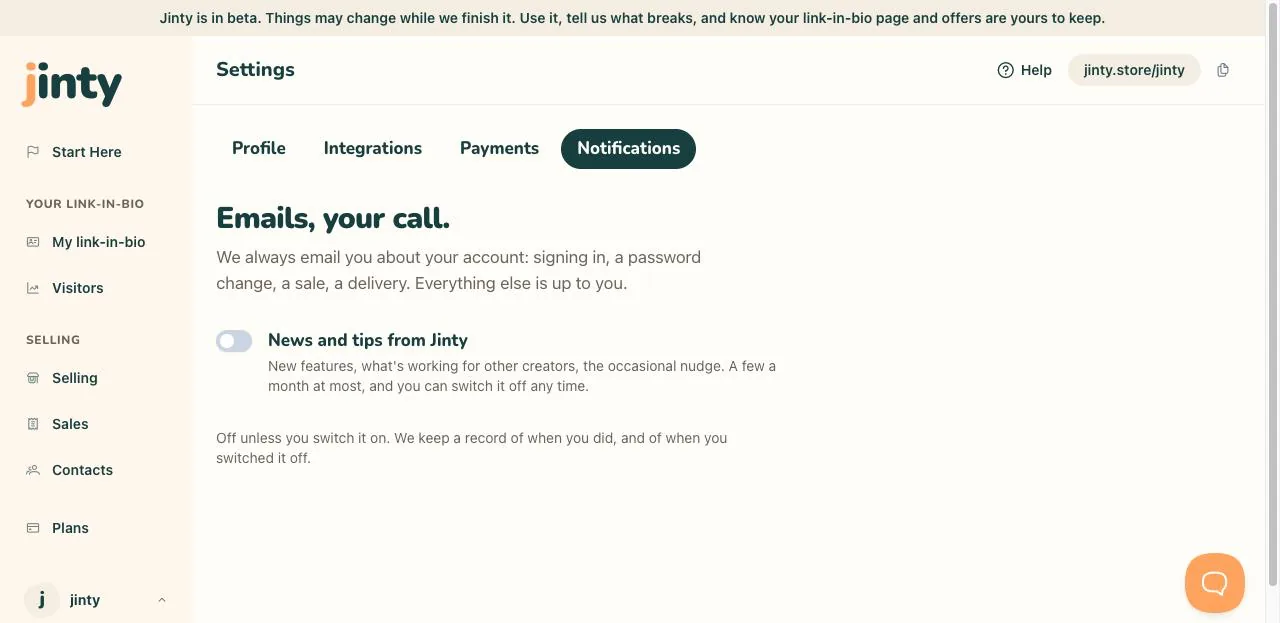
The news and tips switch with its description. -
Emails about your account, always sent
Verify your email address, when you sign up. A welcome, once you are verified. Reset your password, when you ask for one. Confirm your new email address, sent to the new address when you change it. And a warning to your old address telling you it changed, which is how you would find out if somebody else did it.
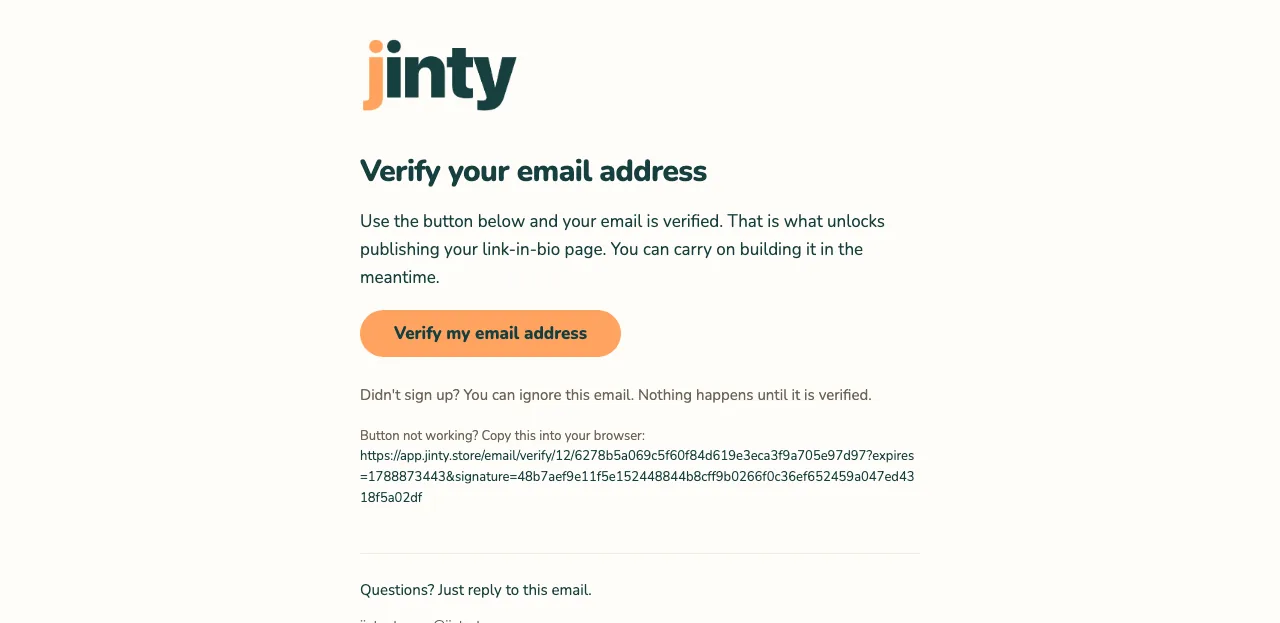
The verify your email address email. -
Emails about your selling, always sent
Your first sale, with the amount and what sold. A note when your free sales are used, saying what stopped and what did not. And a warning if your payment account is ever disconnected, because payments stop until you connect one again.
-
Emails we send your buyers
Anybody who buys or claims a download gets an email with their own link to it, straight away. That one is the delivery, so it is always sent, and pressing Resend on Sales sends the same link again. Your marketing switch has nothing to do with it.
-
If something arrives you did not expect
The account and selling emails cannot be switched off, because each one is either how you get into your account or how you find out that money moved. If something else turns up, tell us through Get help and we will look at it.
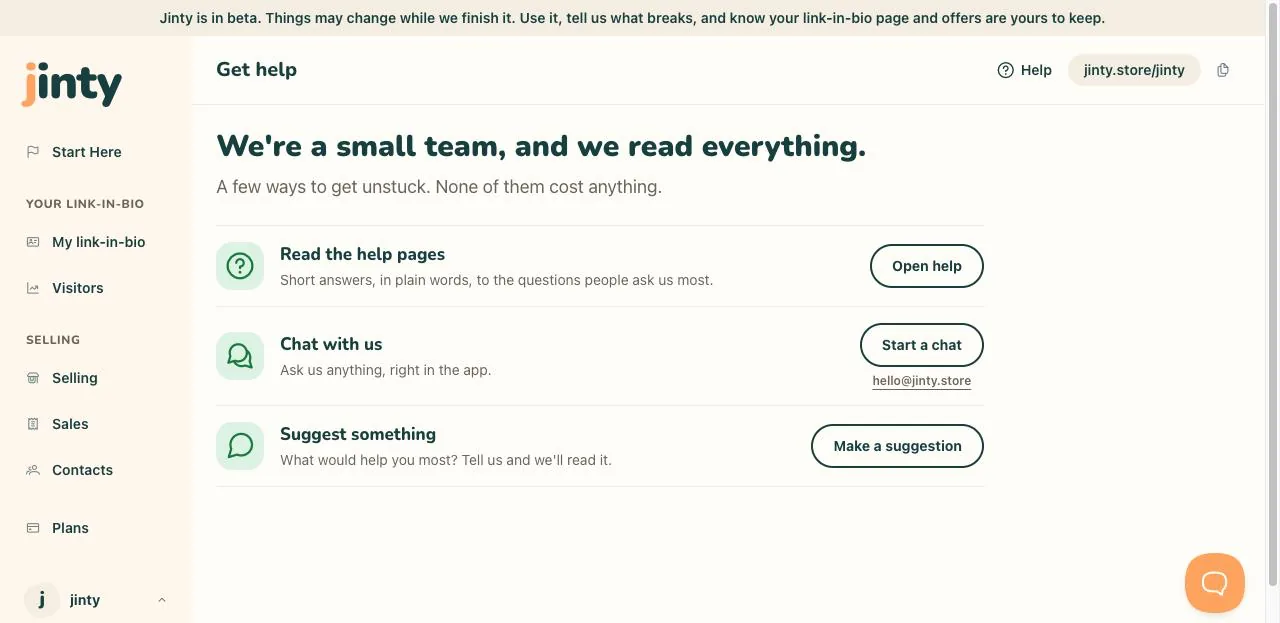
Get help, showing the chat and the address.
Related
Last updated 8 September 2026.
Anything this did not answer? Write to hello@jinty.store and a person will read it.
We only use cookies to keep you logged in and remember your preferences. Our audience stats set no cookie of their own. See our privacy policy.