How do I change my account settings, or delete my account?
Your name, your email address and your password, and how to close your account.
Before you start
Deleting cannot be undone, and your username stays taken afterwards. If you want your contacts, export them first: Contacts has an Export CSV button, and the file is yours to keep.
-
Open Settings
Settings has tabs down the top: Profile, Payments, Notifications and Integrations. Profile is where your account lives. Each section saves on its own, so you can change one thing and leave.
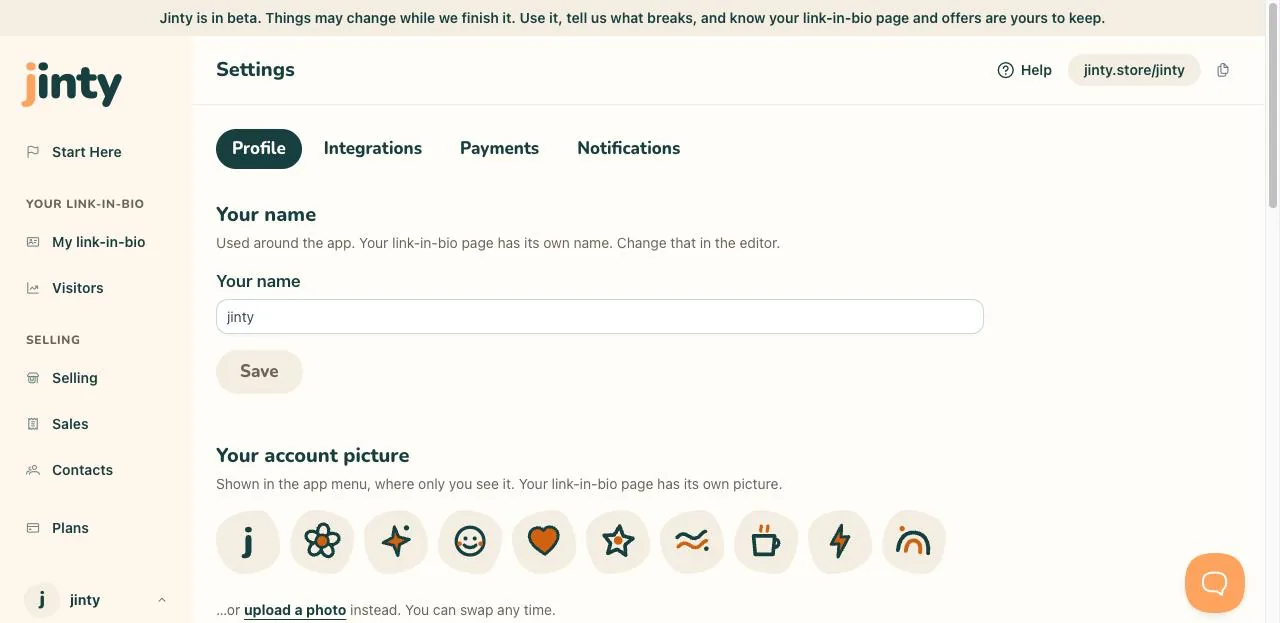
Settings, Profile, with its sections. -
Change your name or picture
Your name here is used around the app. Your link-in-bio page has its own name and its own picture, and you change those in the editor, not here.
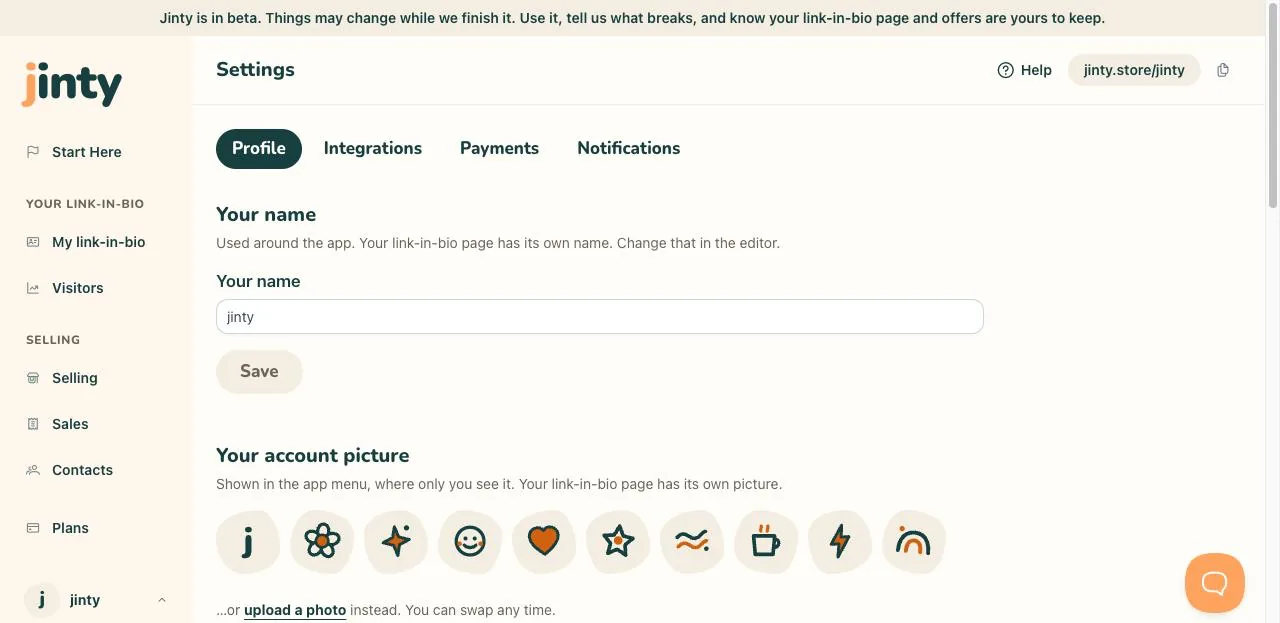
The name section, with the update button. -
Change your email address
Type the new address and your current password. We email a confirmation link to the new address, and nothing at all changes until you click it. Until then you sign in with the old address, and you can resend the link or cancel the change.
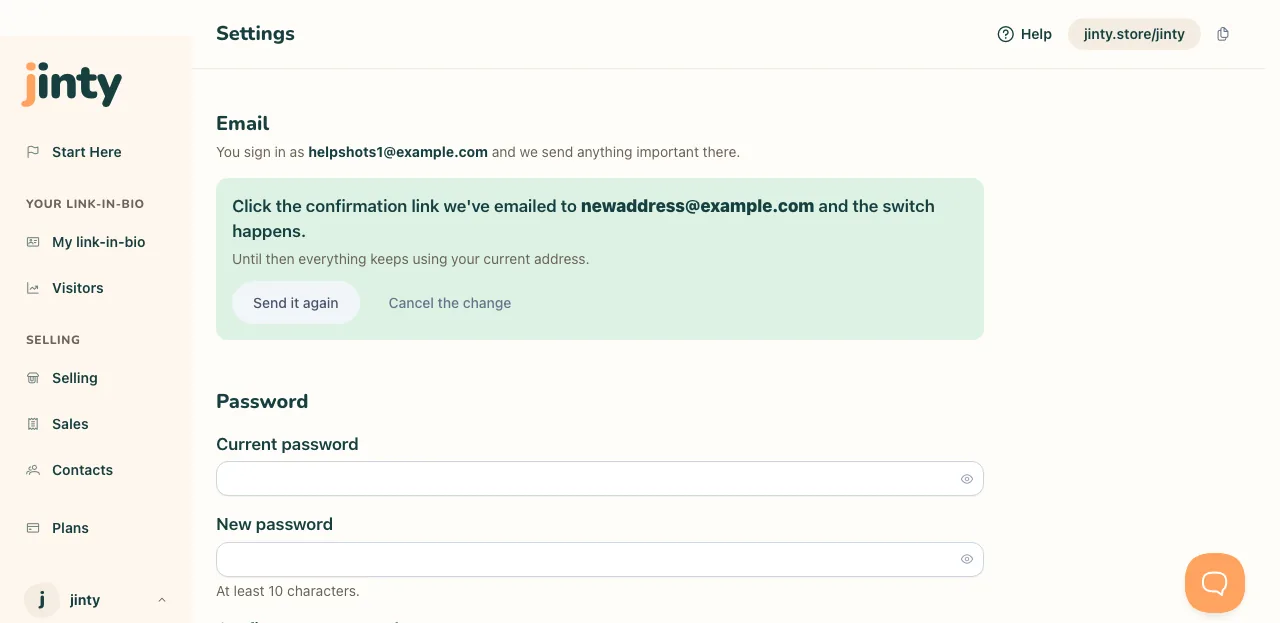
The email section, waiting for the confirmation. -
Change your password
You need the one you use now, then the new one twice. Ten characters is the minimum. If you cannot remember the current one, sign out and use the forgotten password link instead.
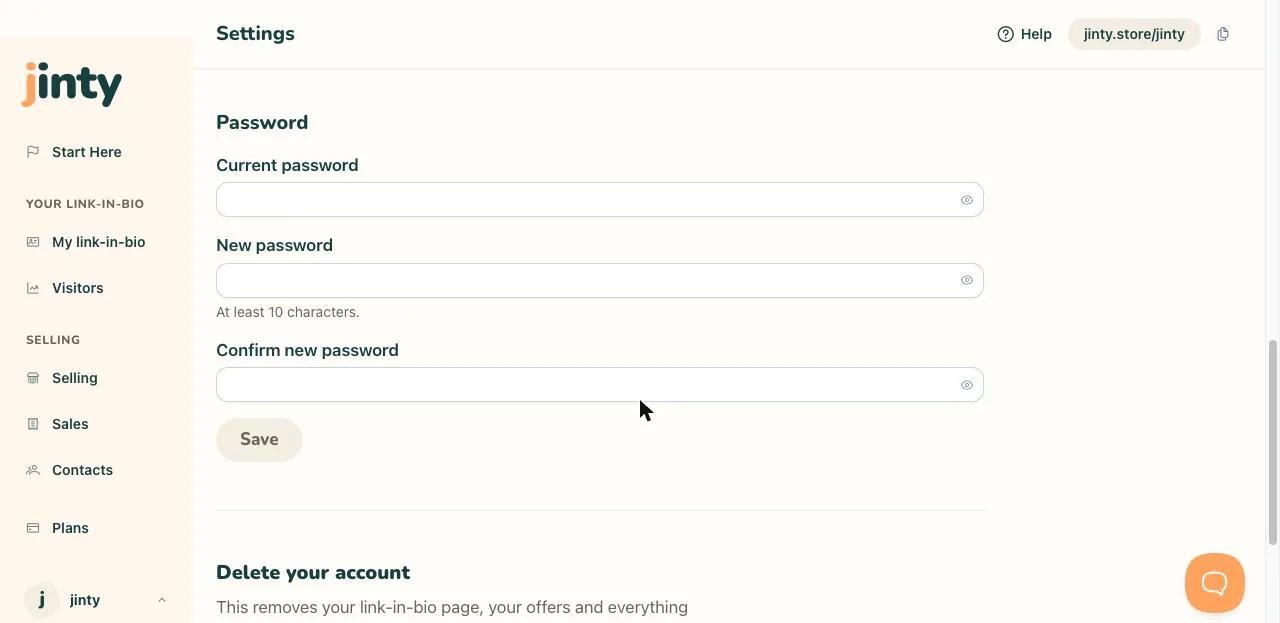
The password section. -
Delete your account
It is the last thing on the Profile tab, on its own. It asks for your current password, then asks you again in plain words. Both are deliberate, because there is no undo.
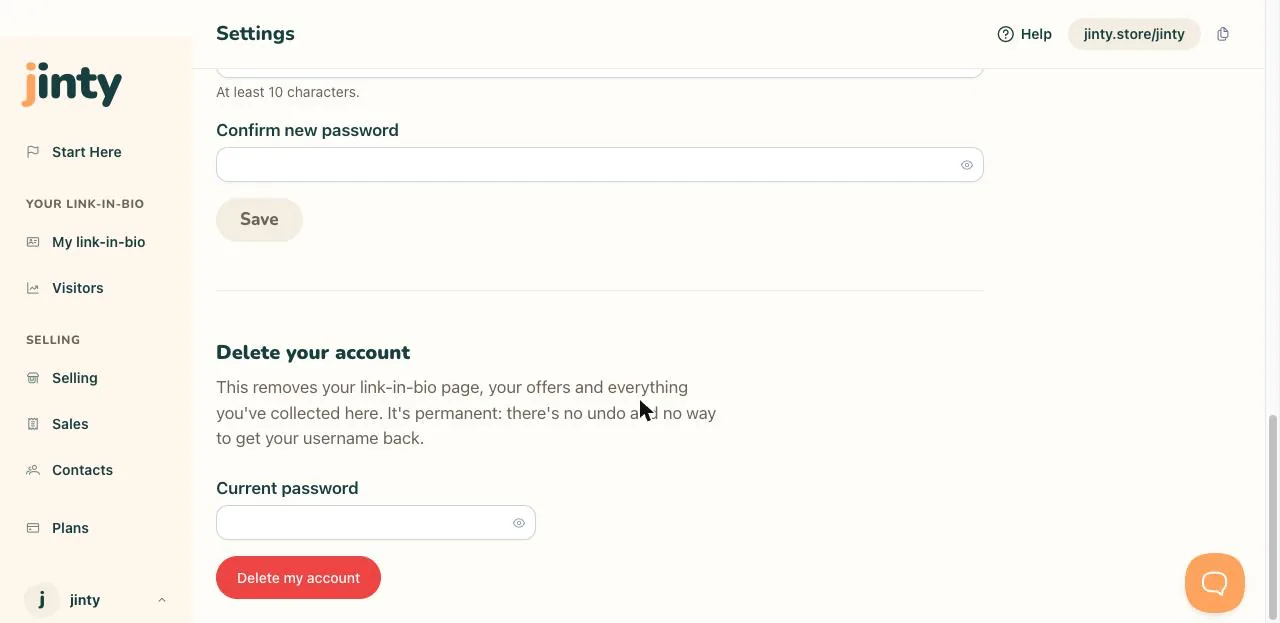
The delete your account section at the foot of Profile. -
What is gone, and what is kept
The moment you confirm, your link-in-bio page and your downloads stop working, and you are signed out here and everywhere else. Your username stays taken for good, so nobody can pick up your old address. Your email address is freed, so you could start a new account with it. We do not send you an email about it, because the screen has already said everything there is to say.
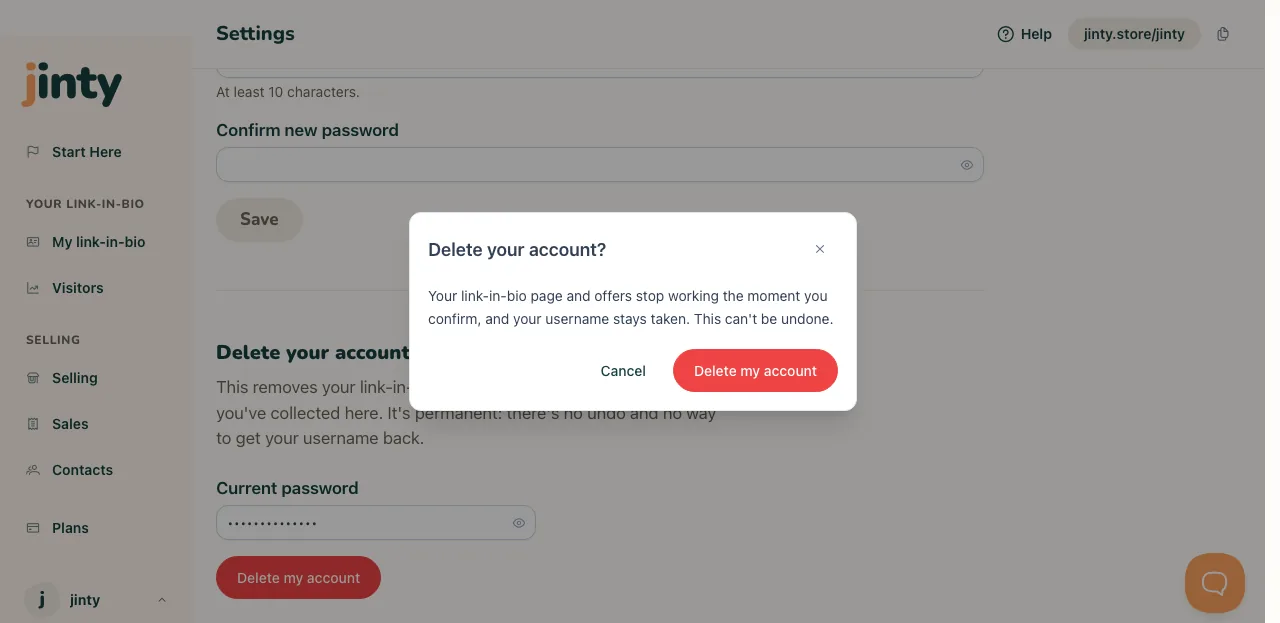
The confirmation asking whether to delete your account.
Related
Last updated 8 September 2026.
Anything this did not answer? Write to hello@jinty.store and a person will read it.
We only use cookies to keep you logged in and remember your preferences. Our audience stats set no cookie of their own. See our privacy policy.